Commerce OS / Guides / Create an online store
Guide · Getting started

How to create an online store in India

The website is the quick part. What decides whether an Indian online store works is everything around it: payments that include UPI and COD, couriers that reach your customers' pincodes, a checkout that works on a cheap phone, and a plan for orders that come back. This guide walks through it in the order we'd do it ourselves.

Two-week plan to launch an online store in India Days 1 to 2 choose platform and domain; days 3 to 6 catalogue and photos; days 4 to 8 payment gateway and courier onboarding; days 7 to 10 checkout, policies and pincodes; days 11 to 12 test orders; days 13 to 14 launch. DAY 1–2Choose platform and domain DAY 3–6Catalogue, photos, prices DAY 4–8 · START EARLYPayment gateway KYC and courier onboarding DAY 7–10Checkout, pincodes, delivery charges, policies DAY 11–12Test orders: one prepaid, one COD, one return DAY 13–14Launch to friends, then Instagram and WhatsApp
A comfortable two-week plan. Payment gateway approval and courier onboarding take the longest, so start them while you're still building the catalogue.

1. Decide what and where you'll sell

Before picking any software, write down three things: how many products you'll start with, roughly how many orders you expect in the first three months, and where your customers are. A brand selling to one city can deliver with its own riders and collect cash the same day. A brand selling across India needs couriers and will wait days for COD money. These answers decide most of what follows.

2. Choose a platform

There are three broad routes in India:

Hosted builder (e.g. Shopify)Self-hosted (e.g. WooCommerce)All-in-one (D2 Commerce OS)
You getStore, checkout, themesStore plugin on WordPressStore plus delivery, COD tracking, GST invoices, WhatsApp, reports
Indian extrasApps for COD, couriers, GST, WhatsAppPlugins for the sameBuilt in
Cost to startFrom ₹1,499/month (yearly billing) + appsHosting + plugins + developer₹0 up to 100 orders a month, forever
SetupYou or an agencyDeveloperOur team, free

If you want to compare in detail, see Shopify vs WooCommerce vs D2 Commerce OS. Shopify prices are from Shopify's India pricing page in October 2026; check it for current rates.

3. Domain and brand basics

Buy a short domain that matches your brand, ideally a .com or .in. Set up a business email on it, because payment gateways and couriers take an email on your own domain more seriously than a Gmail address. Keep your logo as a simple file that works small, since it will mostly be seen on phones.

4. Build the catalogue

Good photos and clear titles sell more than any theme. For each product you'll need a title people would actually search for, three to five photos on a plain background, a price, weight and pack size, variants (size, colour, flavour), and stock. Add the HSN code and GST rate now as well; it saves a messy clean-up later.

Weigh each product in its shipping box. Couriers charge on box size as well as weight, and knowing it upfront stops delivery charges from eating your margin.

5. Set up payments: UPI, cards and COD

Indian shoppers expect UPI first, then cards and wallets, and a large share still choose cash on delivery, especially on a first order. You'll need a payment gateway account; KYC usually takes a few working days, so apply early with your GST, PAN, bank details and a live website.

Plan COD properly from the start. Decide whether you'll charge a COD fee, how you'll confirm COD orders before shipping, and how you'll check that every COD rupee actually reaches your bank. Our guide on what COD really costs has a calculator.

6. Set up delivery

Most new stores start with a shipping aggregator because it gives several couriers through one account. If many of your orders are in one city, your own riders can be faster and cheaper, and they bring COD cash back the same day. Whatever you choose, show customers whether you deliver to their pincode before they reach checkout.
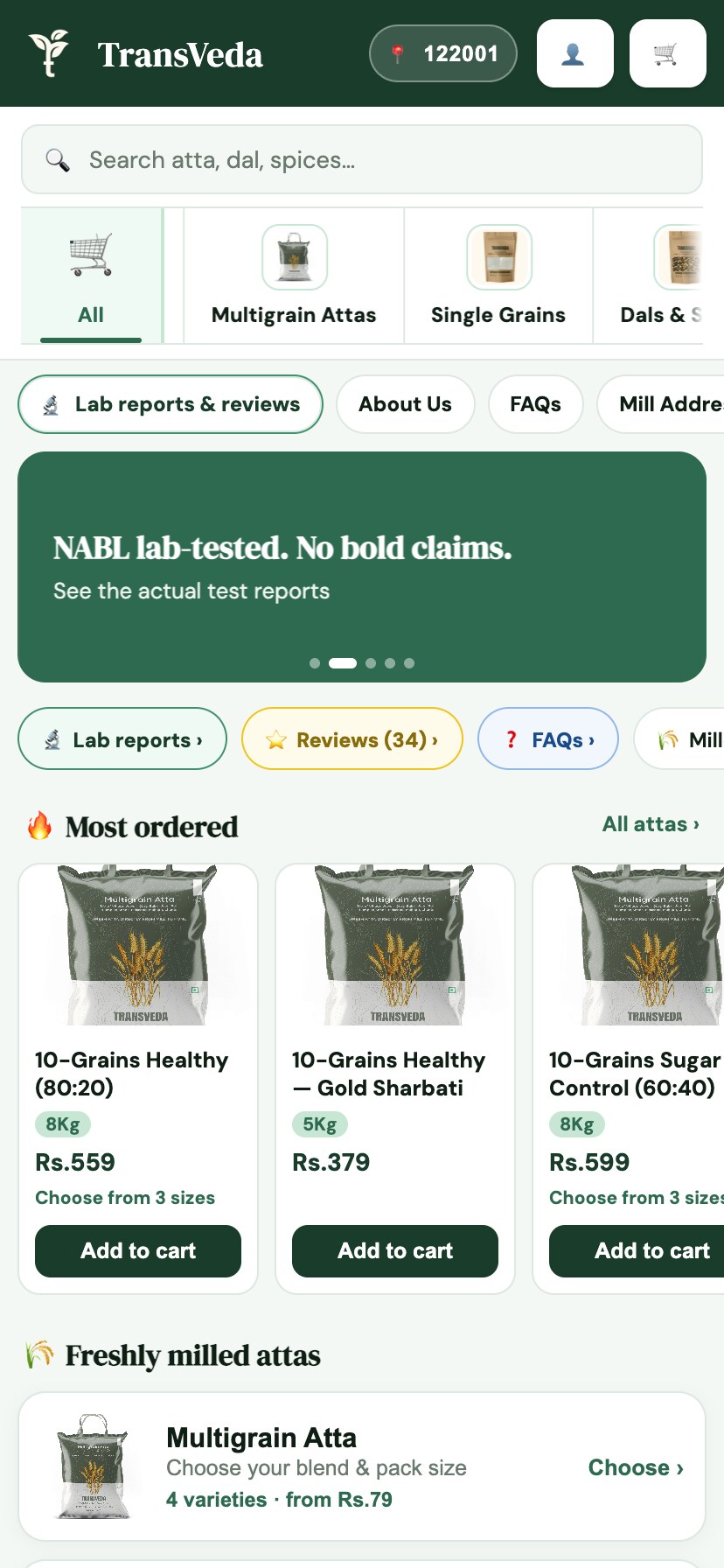
Storefront showing pincode serviceability and delivery promise before the cart
Pincode check and delivery promise shown before the cart, on a D2 Commerce OS storefront.

7. Keep checkout short

Every extra field loses buyers on mobile. Ask for phone, name, address and pincode, and let people pay without creating an account. Fill city and state from the pincode so there's less to type.
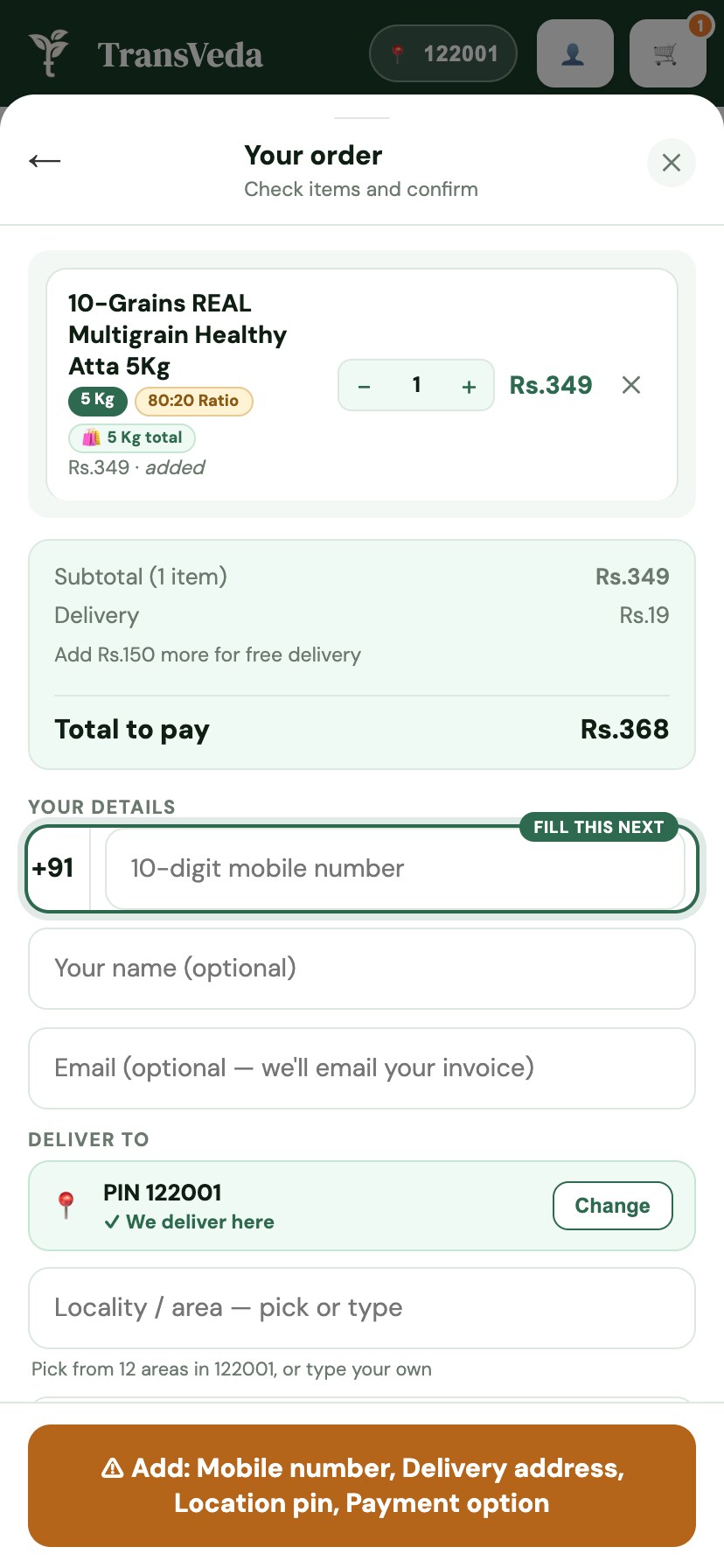
Checkout with four fields on one screen, address resolved as the customer types
A four-field checkout on one screen.

8. Write your policies

Payment gateways check for these before approving you: shipping policy, returns and refunds, privacy policy, terms of service, and a contact page with a phone number and address. Keep them short and honest about delivery times and how COD returns are handled.

9. Test and launch

Place at least three real orders before telling anyone: one prepaid, one COD, and one you cancel or return. Follow each one all the way: payment received, courier booked, label printed, delivery tracked, invoice correct, refund processed. Then launch to friends and existing followers first, fix what they find, and only then spend on ads.

One order on D2 Commerce OS, from cart to doorstep to the books, in nine seconds.

10. After launch

Send order updates on WhatsApp so customers aren't left guessing. Look at your numbers every morning: orders, COD share, deliveries that failed, and cash still with couriers. And remind happy customers to reorder around when they'll run out. That last one is where most of a D2C brand's profit eventually comes from.

Doing it on D2 Commerce OS

We set up the store, checkout, payments, couriers or riders, GST invoices and WhatsApp updates for you, and it's free forever up to 100 orders a month. If you'd rather start on Shopify or WooCommerce, we can also run delivery, COD and reporting behind those stores.

Questions

Questions about starting an online store.

How much does it cost to start an online store in India?

It ranges from nearly free to a few lakh rupees. A hosted builder like Shopify starts at ₹1,499 a month on yearly billing (₹1,994 monthly), plus apps. WooCommerce is free software but needs hosting, plugins and usually a developer. D2 Commerce OS is free forever up to 100 orders a month, with setup done for you. Add a domain (roughly ₹500 to ₹1,500 a year) and product photography.

Do I need a GST number to sell online in India?

In most cases yes. Selling goods online generally requires GST registration even below the usual turnover threshold, and payment gateways and couriers will ask for it during onboarding. Check the current rules for your category with a CA before you launch.

Which is the best platform to create an online store in India?

It depends on what will take up your time. Shopify is easiest for the storefront, WooCommerce gives the most control if you're on WordPress, and an all-in-one platform like D2 Commerce OS suits brands where COD, deliveries and daily operations are the real work.

How long does it take to launch?

A simple store can go live in a few days. Most of the time goes into product photos, descriptions, payment gateway approval and courier onboarding, not the website itself. Two weeks is a comfortable plan.

Can I accept cash on delivery on my own store?

Yes. COD is a payment option at checkout; the courier or your rider collects the cash and remits it to you. Plan how you'll confirm COD orders and track remittances from day one, because that's where most new stores lose money.

Do I need a developer?

Not for Shopify or D2 Commerce OS. WooCommerce usually needs someone comfortable with WordPress, hosting and plugin updates.

The rest of the layer
Talk to us

Your store, set up free. Start with your number.

Start free.
We set it up.

Leave your number and we'll take it from there — your store, your catalogue, your delivery setup, done by our team.

  • We set up your store and move your catalogue — no charge
  • Free forever up to 100 orders a month, then ₹6–₹10 per order
  • Want to see it first? A walkthrough on your own products
  • No plugins to buy, no developer, no lock-in
Free setupNo card needed

Leave your number — we do the rest

  1. 1Your number
  2. 2A few details optional

Takes 10 seconds · we reply within a working day

+91
We'll call or WhatsApp you once to get you started. No spam, no obligation. Privacy policy.

Shopify and WooCommerce are trademarks of their respective owners. Prices quoted are from public pricing pages in October 2026 and may change.

Chat on WhatsApp