Why carts are abandoned
| Reason | What to change |
|---|---|
| Delivery charge appears late | Show it, or the free-delivery threshold, on the product page and in the cart |
| No cash on delivery | Offer COD, confirmed by phone, at least for first orders |
| Forced sign-up | Let buyers check out as guests; offer an account after the order |
| Long form | Ask for name, phone, address and pincode; fill city and state from the pincode |
| Payment fails | Keep the cart, explain what happened, offer a one-tap retry and other methods |
| Just browsing | Remind them later; a small first-order coupon helps |
A checkout that finishes
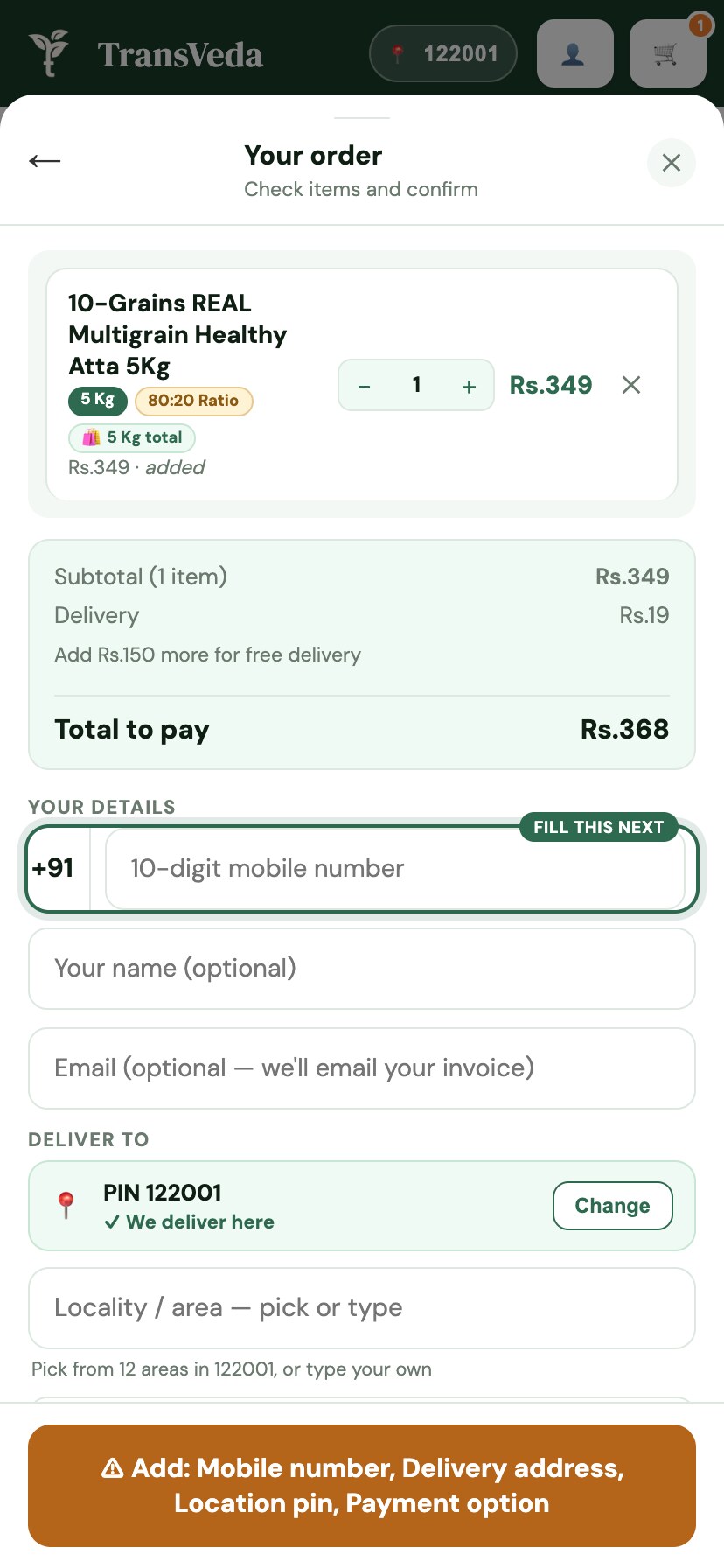
- One page if you can. Address, delivery and payment together, with the order total always visible.
- UPI first. On a phone, opening the buyer's UPI app directly is faster than typing a UPI ID.
- Show the full total early, including delivery and any COD charge, so nothing changes at the last step.
- Coupons in one field. A coupon box that sends buyers off to search for codes can cost the sale; show live offers instead.
Failed UPI payments
UPI payments fail more often than buyers think: the collect request times out, the app isn't opened in time, the bank is busy, or the balance is low. When it happens:
- Say plainly that the payment didn't go through and that no money was taken (or that any debit comes back automatically).
- Keep the cart and address, so a retry is one tap.
- Offer another UPI app, a card, or cash on delivery.
- If the buyer says money left their account, check the payment in your gateway dashboard before taking the order again; late confirmations do happen.
If failures suddenly jump for many buyers at once, raise it with your payment gateway with the order IDs. It's often on their side or a particular UPI app's.
Cash on delivery without fake orders
COD brings first-time buyers, but unconfirmed COD orders turn into refused parcels and RTO costs. Three checks keep it healthy: confirm the buyer's phone with a code before the order is placed, block COD for pincodes or numbers that keep refusing, and ask for a small advance on large COD orders. The COD and RTO cost calculator shows what refusals cost you, and reducing RTO covers the rest.
Bringing buyers back
A buyer who typed their phone number and left is the warmest lead you have. A WhatsApp message within a few hours, with a link straight back to their cart, recovers a share of them. Keep it to one or two reminders; more feels like spam.
How D2 Commerce OS handles this
On the Free plan, no monthly fee: a UPI-first checkout through your own Razorpay, Cashfree or Paytm account, cash on delivery, guest checkout, pincode checks, and cash-on-delivery orders confirmed with a code texted to the buyer's phone. Growth (₹599 a month) adds WhatsApp reminders for unfinished checkouts, COD blocked by pincode or for repeat refusers, part-payment advances on COD, and cart suggestions.